From a request to running software.
Keep using your agent. Siftree gives it the data, tools, and managed foundation to build what your business needs.
“Build an account workspace for our team.”
Your request, in the conversation you already use.
 Built and run on Siftree
Start ready. Make it yours.
Choose a template or describe something new. Both paths lead to software shaped around your business.
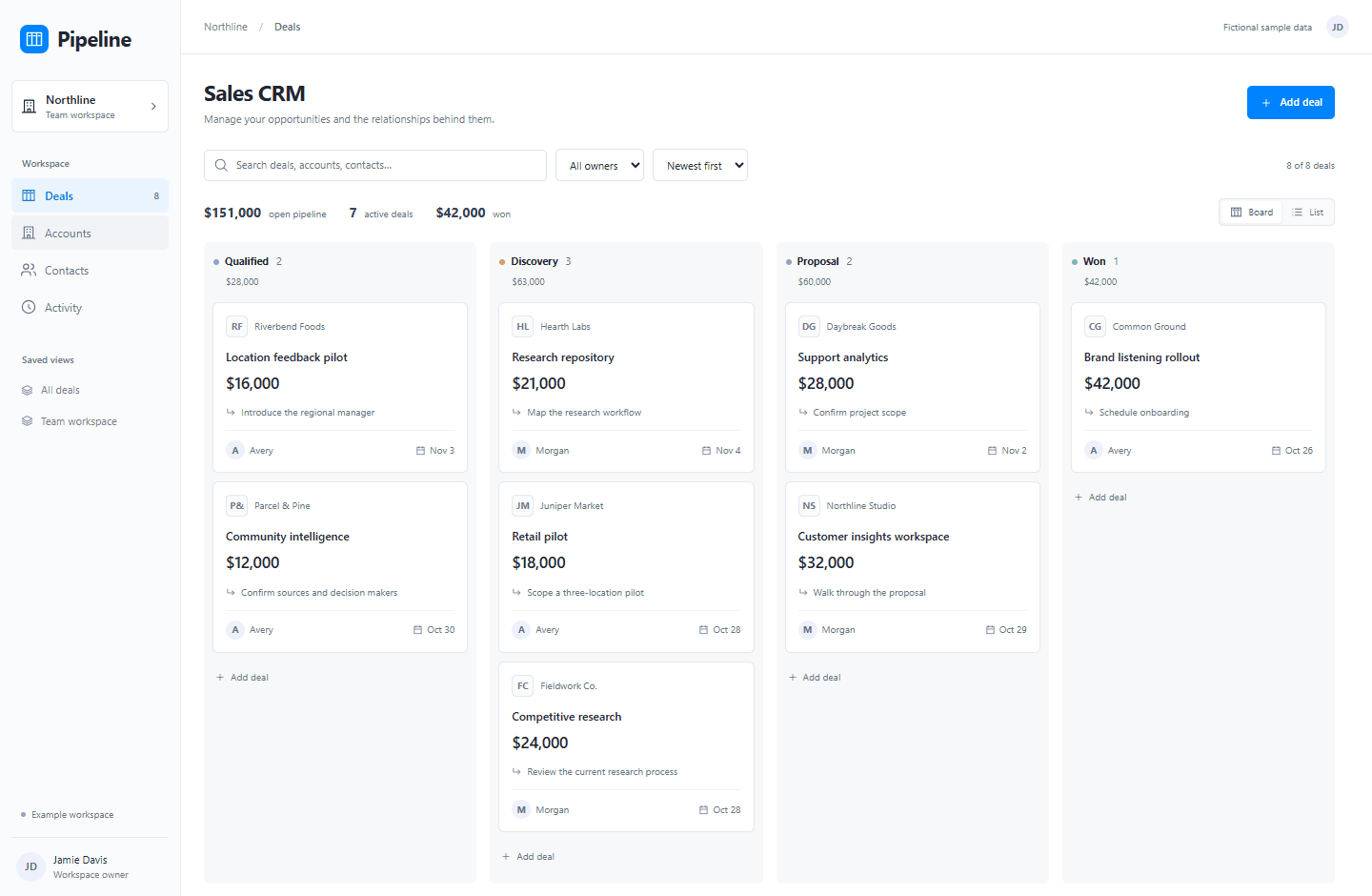
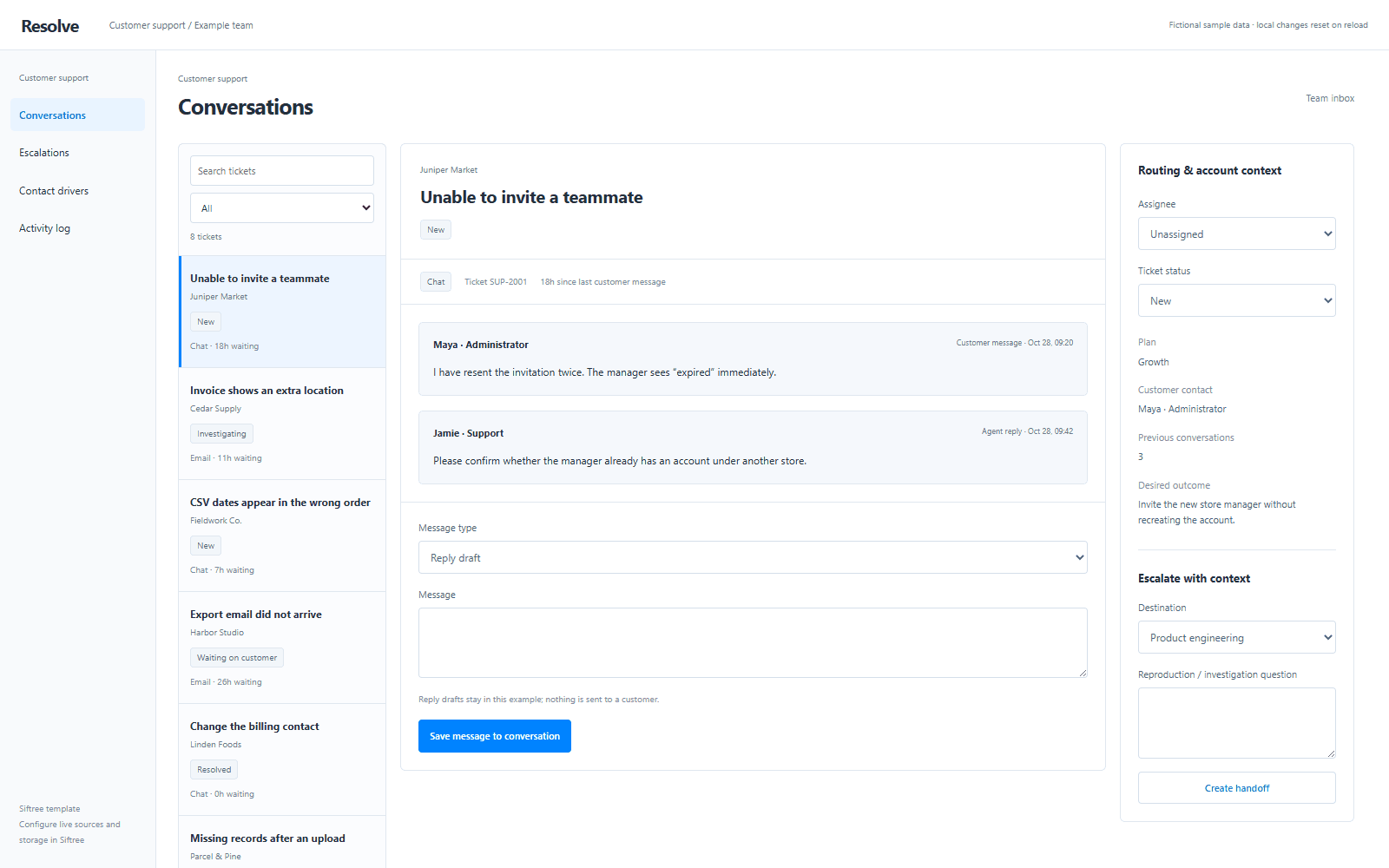
Start with a template
A working interface to explore and adapt.
“Here’s how our business works.
Build the tool around that.”
Start with your own requirement
The template library doesn’t set the limits.
Template previews use fictional data. Connecting data and enabling ongoing work are separate setup steps.
Your agent is the interface.
Siftree runs what’s underneath.
- 01
Apps and agents
The software your team asks for.
- 02
Connected data
Business systems, public sources, and your files.
- 03
Execution and hosting
Somewhere for the work to run and the results to live.
- 04
Permissions and activity
Authorized access and a record of the work.
Your agent works with an operated foundation. Your team gets software it can keep using.
Keep building on the same business.
Add a capability, connect another source, or give another team a view. The account context stays connected.
Same accounts. More of your business, connected.
Illustrative requests and interface. The capabilities and connections for a working deployment are scoped with your team.
Close the chat.
The work has somewhere to keep running.
Saved tasks, stored data, and hosted interfaces live on Siftree. Configure a schedule when the job needs repeating.
Conversation ends
Your request is saved as work.
The next run starts
On the schedule you configured.
Results are stored
Available for the next question.
Your team stays informed
Through the delivery you set up.
Connect once. Start with a real need.
You’ll need a Siftree account and a supported MCP client. Connect your authorized Siftree account, then choose the workspace and outcome you want.
Connection guide →Your accounts. Your review points.
Scope the data, allowed actions, and approval requirements before enabling the workflow. Capabilities depend on your connected tools and permissions.
Tools and access reference →Start with the work you need done.
Tell us what takes too much time today. We’ll help scope a first workflow around your team, your data, and your existing agent.